Skoolu Plan
Office sends the year, classes and students to Skoolu Plan, and receives published results back.
Visit plan.skoolu.aiSchool administration · Part of the Skoolu family
The admissions desk, the fee counter, class teachers, HR and transport each get their own workspace, and all of them work from the same student and staff records.
Sample school with synthetic data
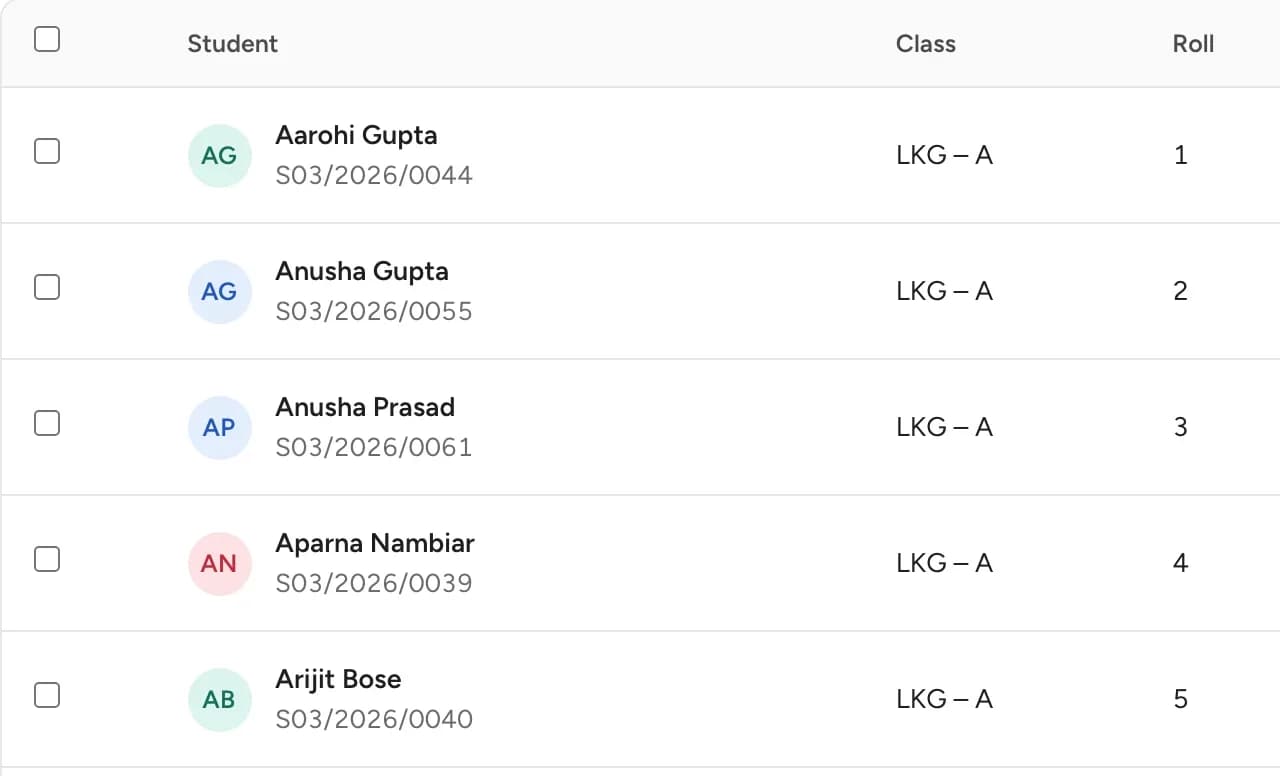
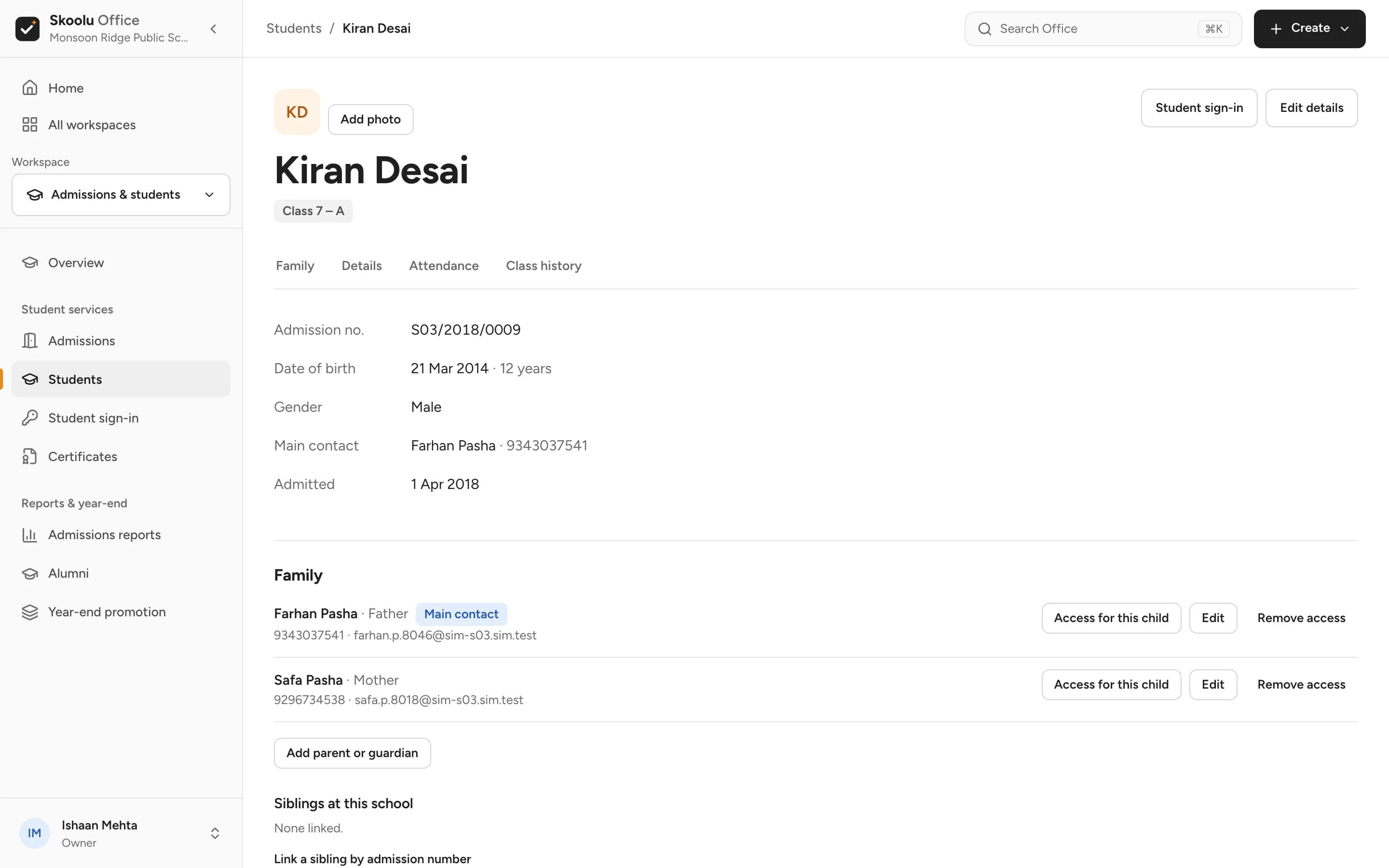
Admissions creates it. Fees, attendance, exams and transport work from it, so a family is typed once.
13 workspaces, from admissions to the hostel. Each team opens its own work first.
24 built-in roles, from owner to bus attendant. A change to someone’s role applies at once.
The activity log shows who changed what in records, accounts and settings.
Why Skoolu Office
The same family shouldn’t be typed into the admissions register, the fee ledger, the attendance register and the bus list.
Skoolu Office keeps one record for each student and each staff member. Every workspace reads and adds to it, within what each person’s role allows.
13 workspaces and 24 built-in roles. Each person sees only the work their role opens. Every screen shows sample data.
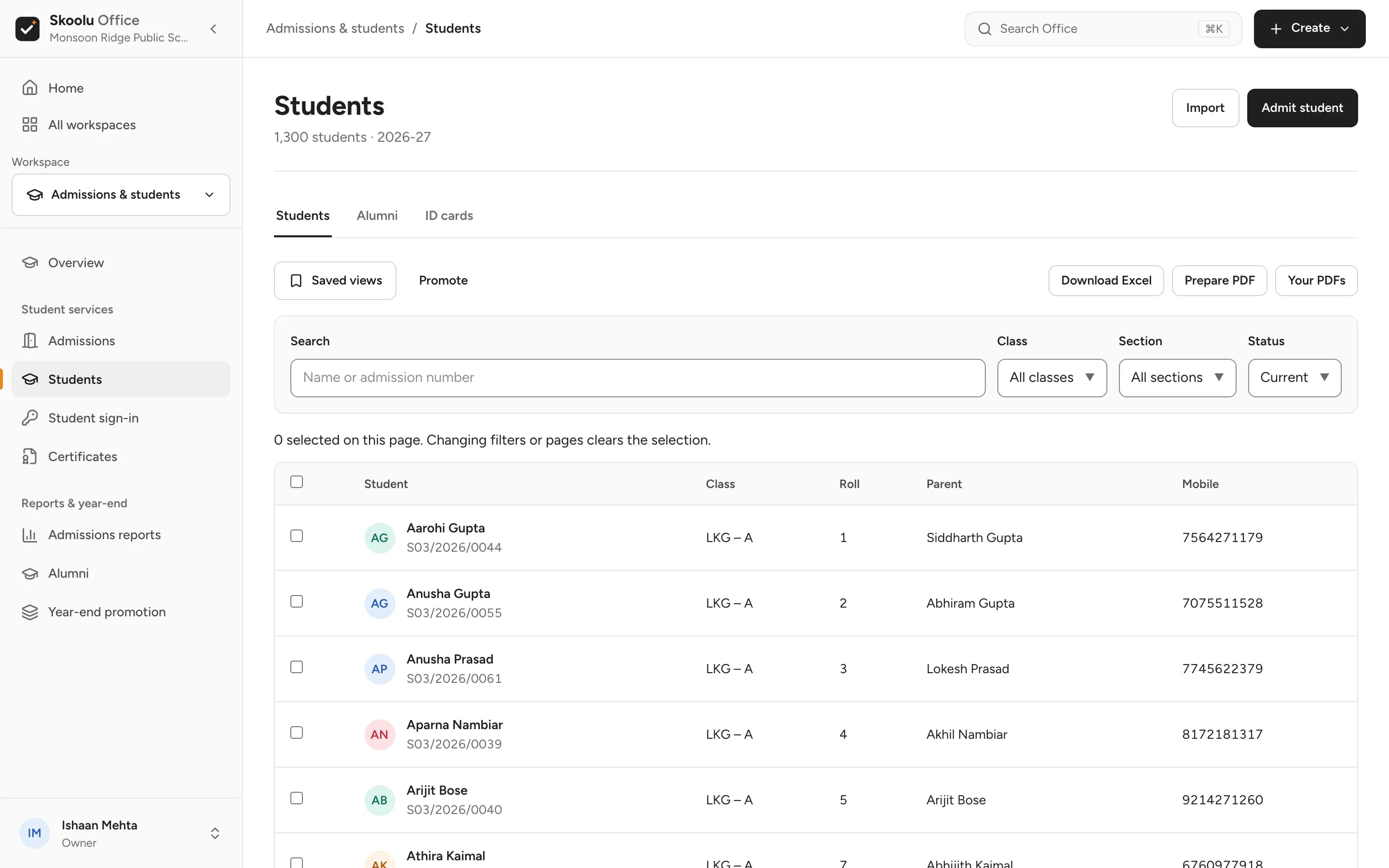
Enquiries, applications and enrolment, then one record for each student from admission to alumni.
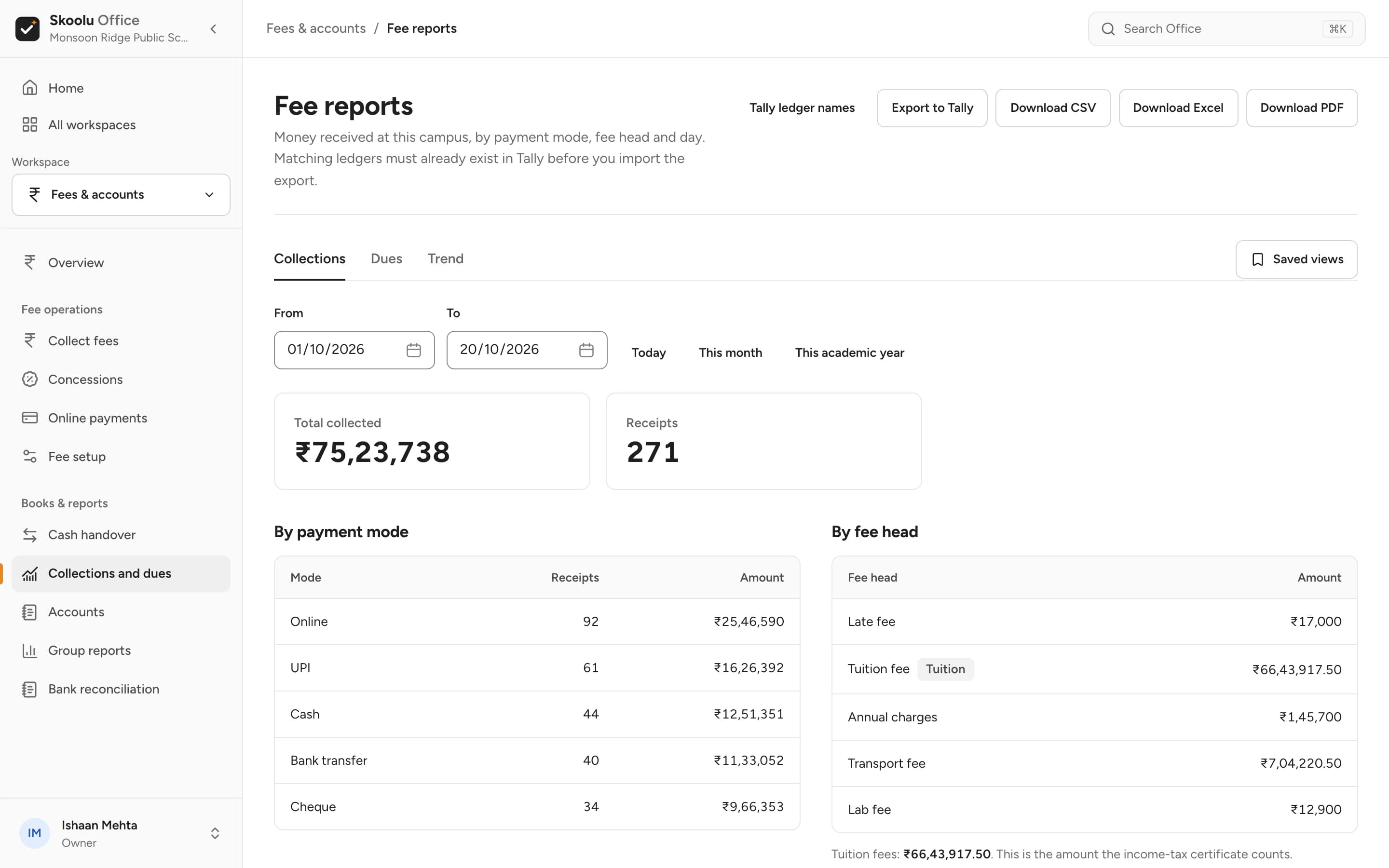
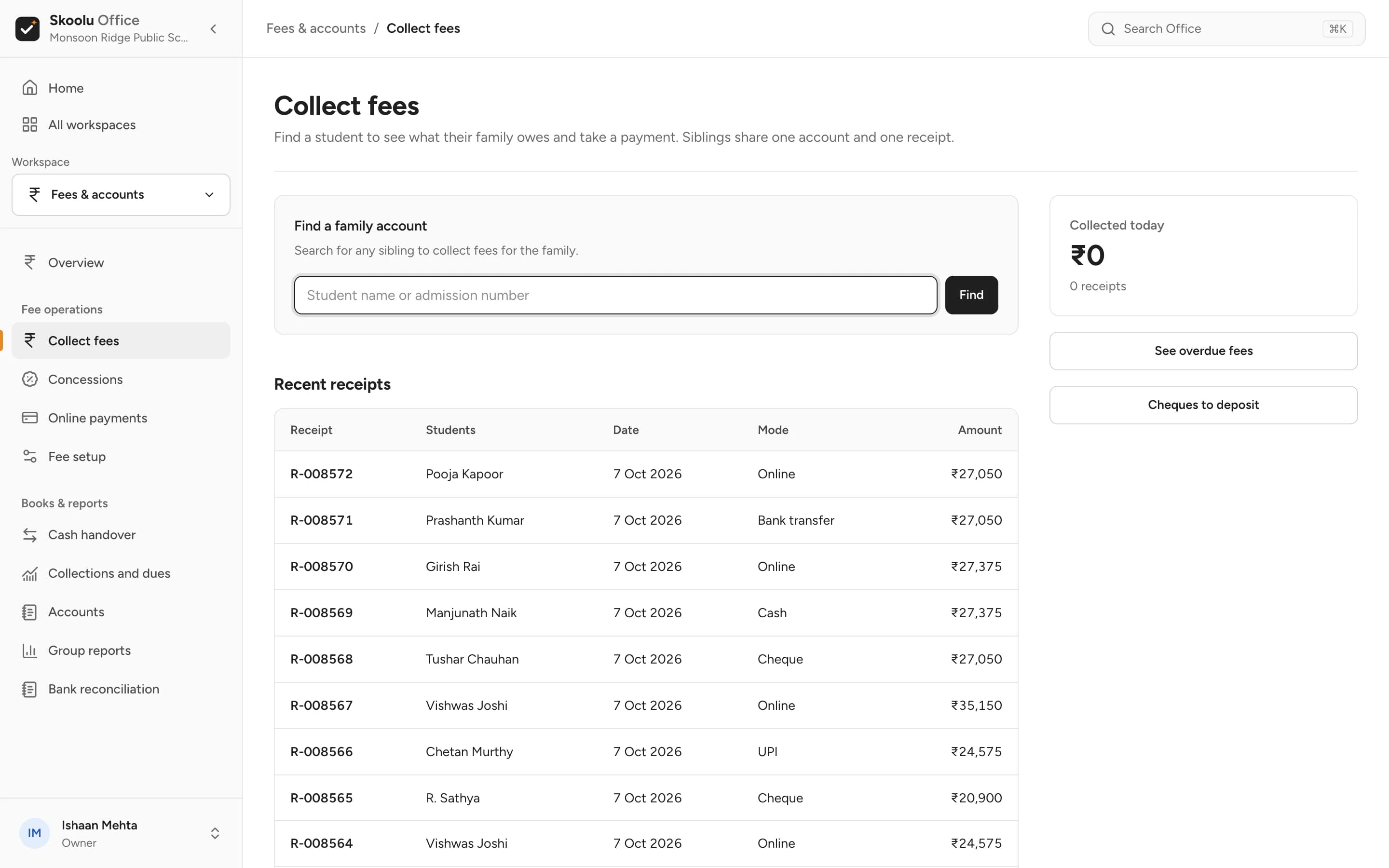
Fee plans, collection, receipts, concessions and dues, with the day’s cash handed over between staff.
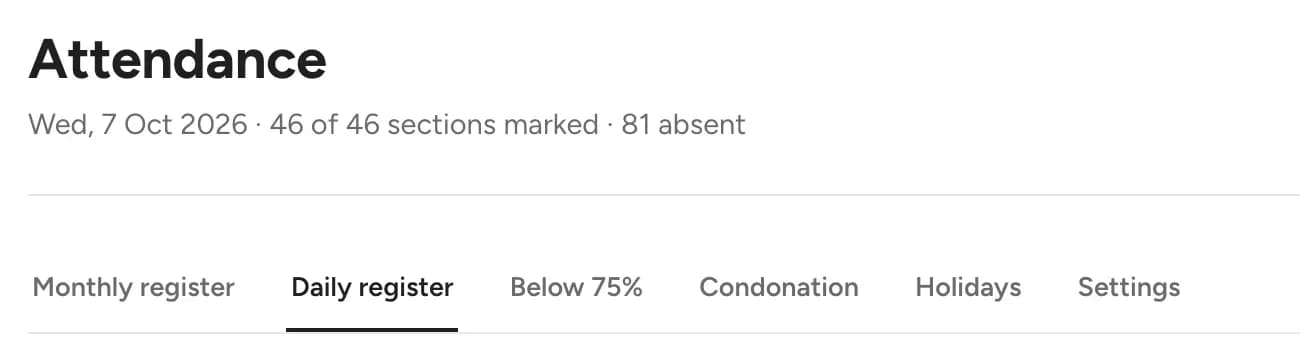
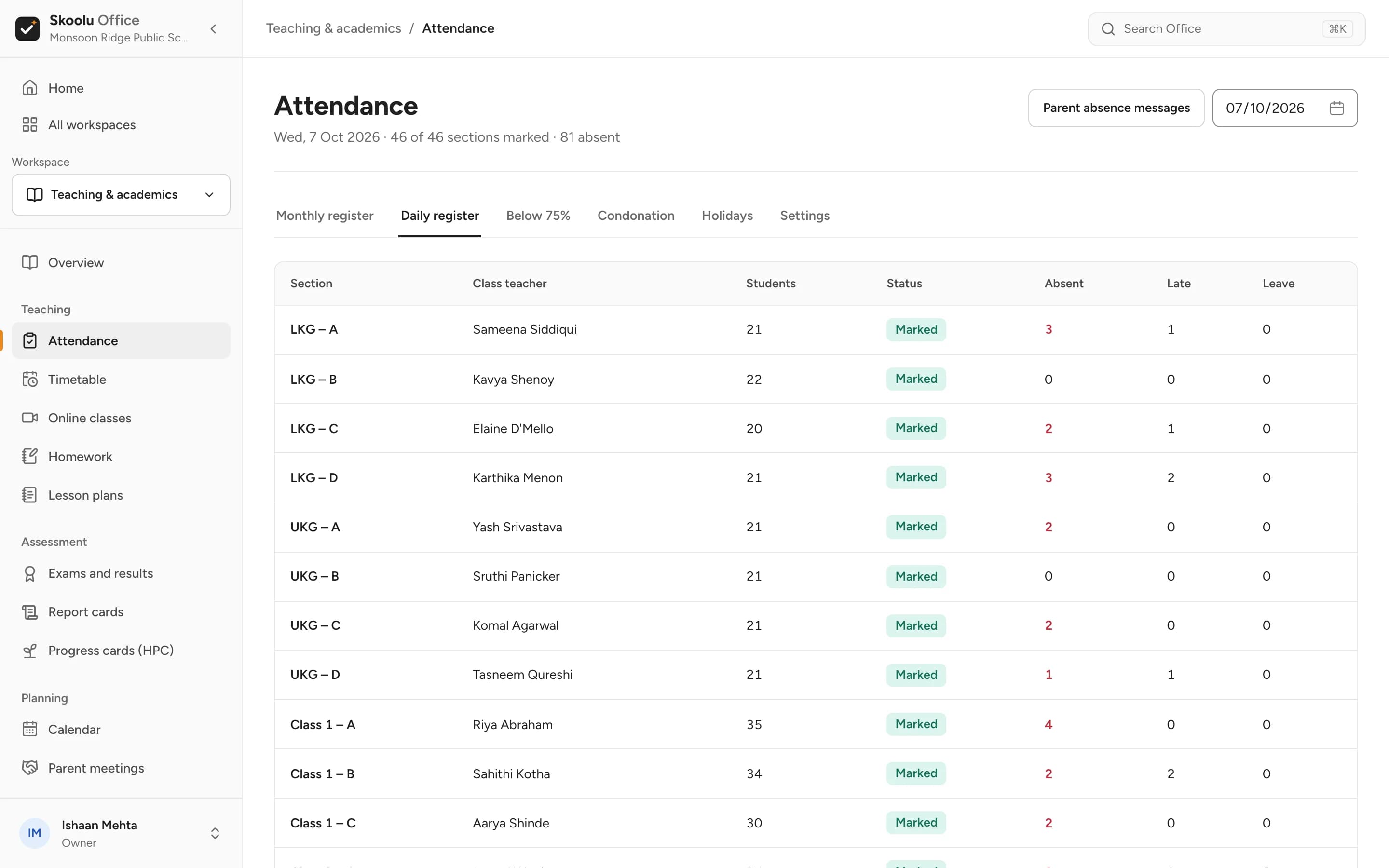
Class teachers mark the daily register, and the office sees which sections are done and who is absent.
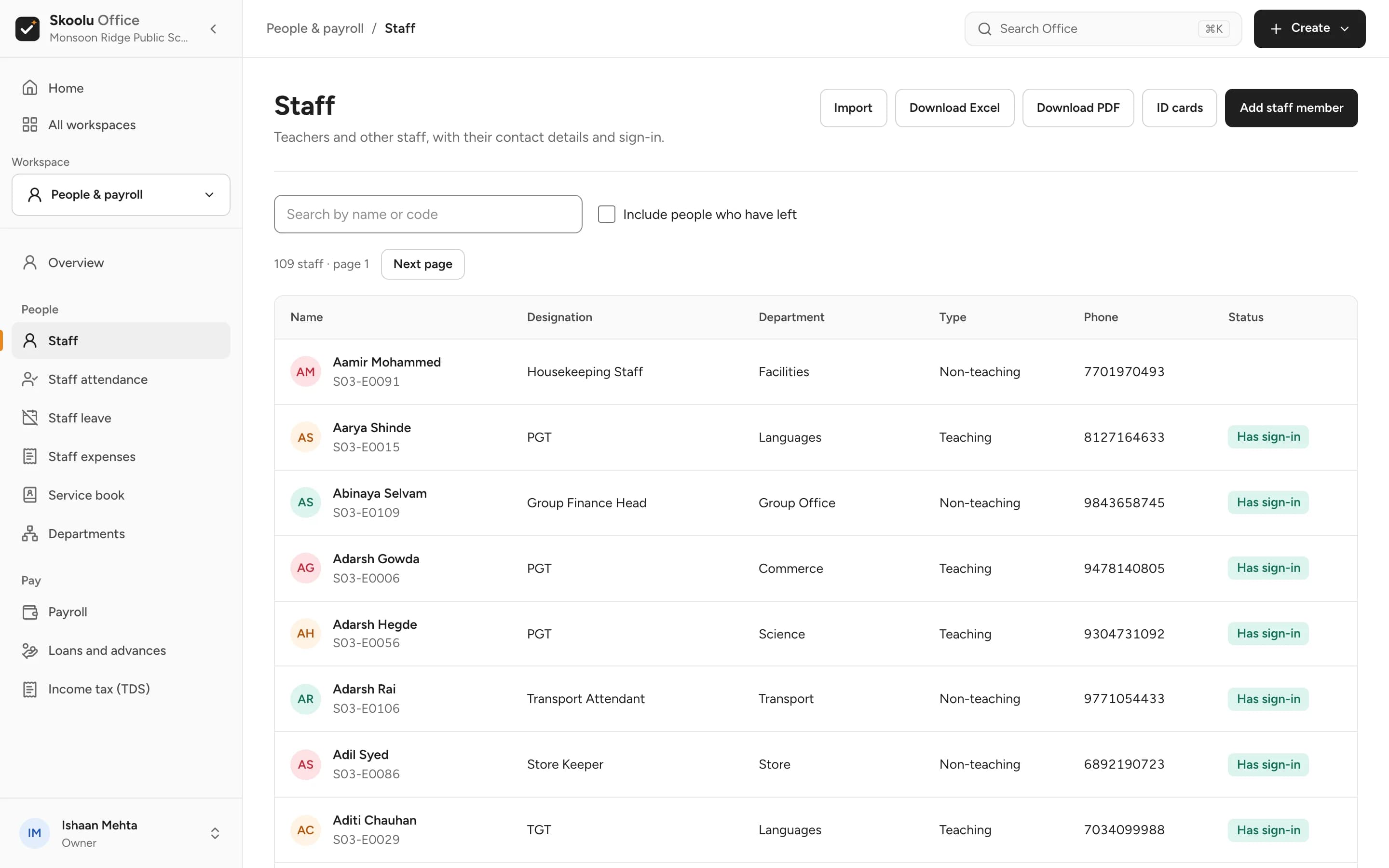
Staff records and service books, staff attendance, leave and expenses, and monthly payroll from salary, leave without pay and absences.
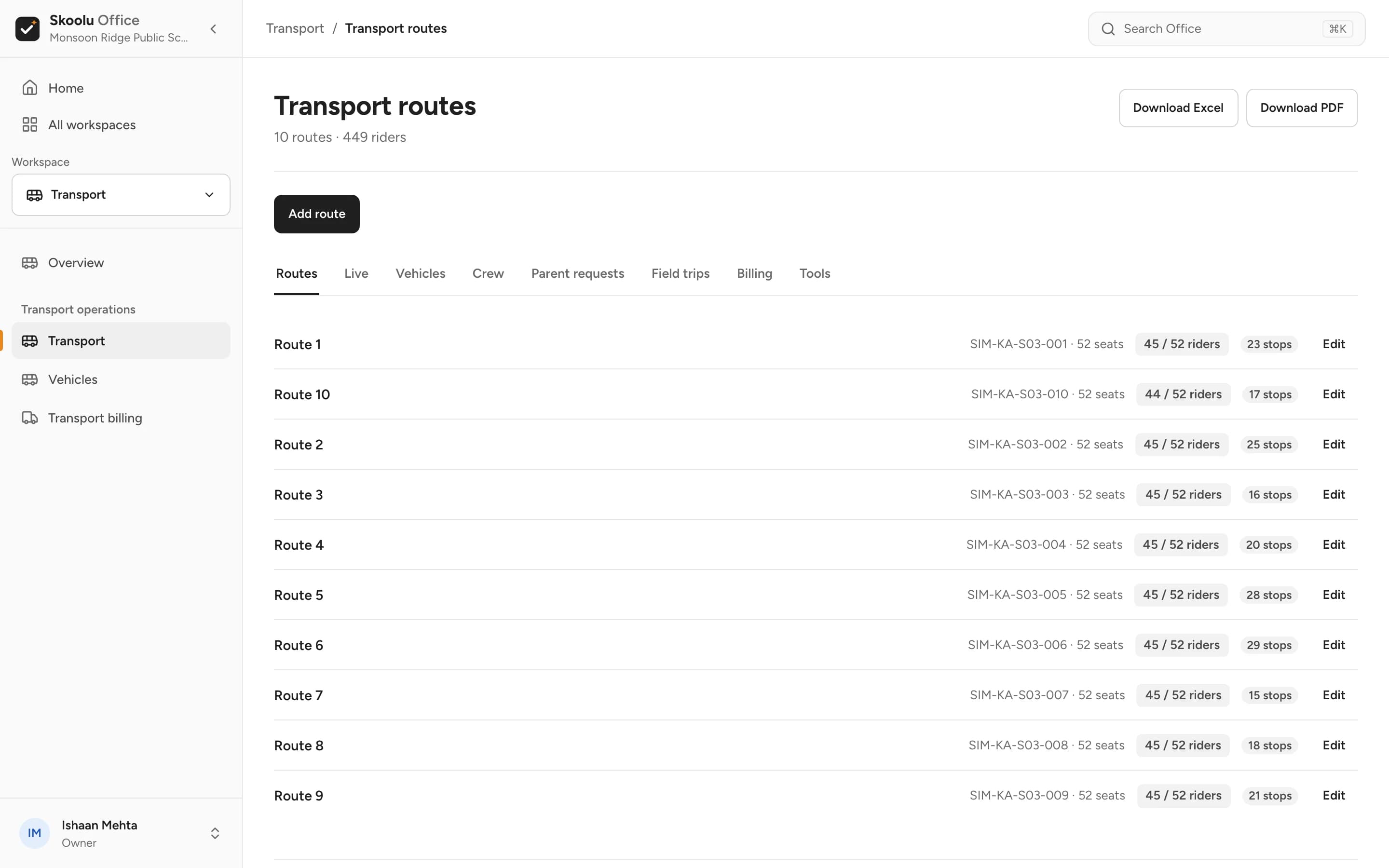
Routes, stops and riders, with seats counted against each vehicle. Library, hostel, store and assets each have their own workspace.
The statutory work your office already does, built into the product.
Each person sees only their own work, and every change is recorded. Skoolu Office runs on Railway in its Singapore region.
Row-level security in the database, not just the app, keeps each school’s records separate.
Built-in roles open only their own work. A change to someone’s role applies at once.
Your school can require a second step at sign-in for owners, principals and accountants.
The activity log lists school-wide changes to records, accounts and settings, newest first.
Parent consent, privacy and retention, and a breach register sit in the Compliance workspace.
Staff sign in with their Skoolu ID. Your school decides who has an account and what each person can open.
Office works on its own. Connect the other Skoolu apps when your school is ready, and one Skoolu ID signs staff in to all of them.
Office sends the year, classes and students to Skoolu Plan, and receives published results back.
Visit plan.skoolu.aiparent.skoolu reads each family's records from Office when parents open it, and Office tells it when something new is published for a child, such as a result, a fee or a circular.
Visit parent.skoolu.aiOffice sends classes, teachers and students to skoolu.ai, and receives published marks back into the gradebook. Staff can open skoolu.ai signed in.
Visit skoolu.aiCan’t sign in? Your school office can reset your Skoolu account.
No. People see only the workspaces their role opens, so a school can start with admissions, records and fees and give more teams access later.
Yes. Students and parents come in from a spreadsheet, and nothing is saved until every row checks out. Tell us what else you keep and we’ll plan the move with you.
Yes, when your school wants it. Office sends the year, classes and students to Skoolu Plan and receives published results back, and parent.skoolu reads each family’s own records from Office. Your Skoolu operator sets up each connection.
Your staff, each within what their role allows. Row-level security in the database keeps every school’s records apart, and the activity log shows who changed what.
Skoolu Office runs on Railway, in its Singapore region. The privacy notice lists the services that handle data and when each is used.
Skoolu Office runs in the browser on computers and phones, and staff can add it to their phone’s home screen.
We don’t publish prices. Book a demo and we’ll talk through what your school needs.
Chethana Solutions, which also makes skoolu.ai, Skoolu Plan and parent.skoolu.
A guided walkthrough for your principal, office and accounts teams.